

Getting Started with DIA: Your First 10 Minutes
New to DIA? Here's how to set up your profile, explore the app, and start building a healthier routine.
Starting with a health app doesn't have to be complicated. With DIA, you can begin by understanding your health information, tracking a few important habits, and gradually building a routine that works for you.
Here's how to get started in just 10 minutes.
1. Complete Your Profile
Start by completing your profile with accurate information about yourself, your health, and your goals.
This helps DIA understand your circumstances and make your experience more relevant to you.
You don't need to have every health measurement ready. Start with the information you know and update it when needed.
2. Explore the App
DIA brings several aspects of health tracking together in one place.
Home: Review your available health information and daily insights.
Food: Record your meals and explore their nutritional information.
Health: Keep track of relevant health measurements and lifestyle information.
My Profile: Review your personal information and goals.
Take a moment to explore each section and become familiar with the features available to you.
3. Choose What to Track First
You don't need to track everything from day one.
Start with one or two areas that matter most to you.
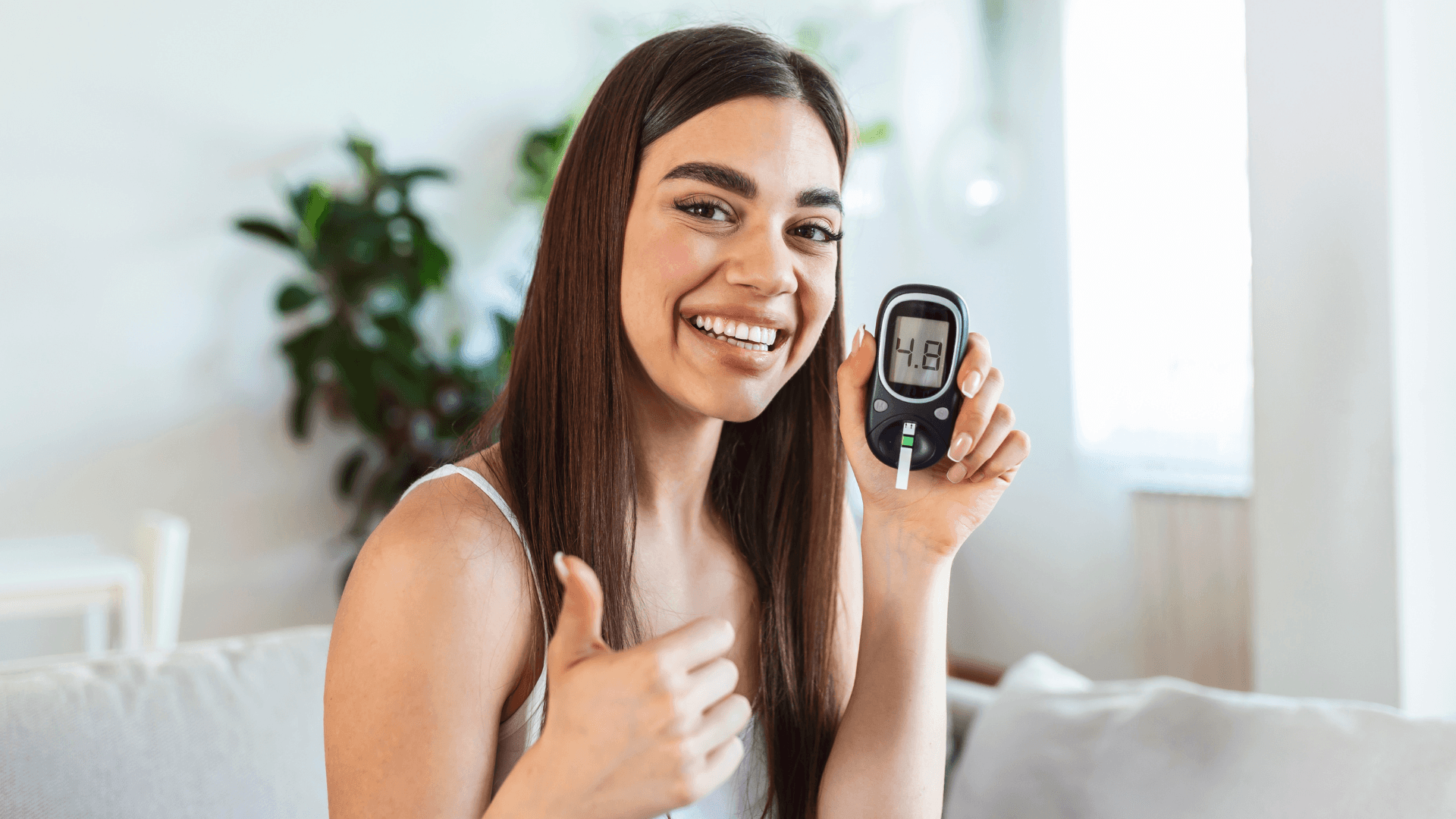
For example, you might record your meals, monitor your glucose according to your existing care plan, or pay more attention to your sleep and physical activity.
Choose something realistic that you can maintain consistently.
4. Build a Simple Daily Routine
The easiest way to make tracking a habit is to connect it to activities you already do.
In the morning: Open DIA and review your available information.
During the day: Record meals and relevant health measurements as needed.
In the evening: Review what you've recorded and reflect on your routine.
Even a few minutes a day can help you build consistency and become more aware of your habits.
5. Explore Ask DIA
Have a question about nutrition, lifestyle habits, or using the app?
Try Ask DIA to explore general health and lifestyle information and learn more about relevant topics.
You can start with a simple question, such as how to build a consistent tracking routine or what nutritional information to look for when recording a meal.
Remember that DIA is designed to support health awareness, not replace professional medical advice.
Your First Step Starts Today
You don't need a perfect routine to begin. Start small, track what matters to you, and give yourself time to learn.
As you continue using DIA, you can gradually build a clearer picture of your habits and the information you record.
Your health tells a story. Start understanding yours with DIA.
Ready to begin? Open DIA, complete your profile, and choose one habit to focus on this week.
DIA supports health awareness and lifestyle tracking. It does not replace professional medical advice, diagnosis, or treatment.